We make Pick Markdown, one of the three tools compared here. The descriptions of the other two come from their own documentation, linked in each section.
The short answer
All three turn a webpage into Markdown. They differ in where the Markdown goes and how much of the page you take.
- Obsidian Web Clipper saves pages into an Obsidian vault. Choose it if Obsidian is where your notes live.
- MarkDownload downloads a page as a .md file, or lets you copy it. Choose it if you want a file and do not use Obsidian.
- Pick Markdown lets you tick the sections of a page you want and copies just those. Choose it when the destination is an AI chat or a document, and the whole page is more than you need.
Obsidian Web Clipper
The official clipper from Obsidian is a free browser extension that highlights pages and saves web content to your vault as Markdown. It is the most capable of the three for note-taking:
- Highlighter. Highlight passages or select elements on the page, and save only those.
- Reader. A clean, distraction-free view of the page.
- Templates. Per-site templates with variables, filters and logic, so a recipe, a paper and a video each land in your vault with the right properties filled in.
- Interpreter. Natural-language prompts that extract or rewrite page data using an AI model you connect yourself.
It is available for Chrome and other Chromium browsers, Firefox including Firefox Mobile, Safari on macOS, iOS and iPadOS, and Edge. Obsidian says the code is open source and that no usage data is collected.
The trade-off is that it is built around Obsidian. If you only want a section of a page on your clipboard to paste into a chat, a vault and a template system are more than the job needs.
MarkDownload
MarkDownload is an open-source extension, under the Apache 2.0 licence, that its author describes as made “for fun”. It uses Mozilla’s Readability to find the main content of a page and Turndown to convert it to Markdown. A popup shows the result, which you can edit, copy, or download as a .md file. If you select text first, only the selection is clipped.
It runs in Firefox, Chrome, Edge and Safari; the Safari version carries a small charge. It can send a clip to Obsidian too, with the help of a community plugin.
Its own README warns that it is not guaranteed to work on every website, and as a one-person project its update pace varies. Check the date of the latest version on your browser’s extension store before relying on it.
Pick Markdown
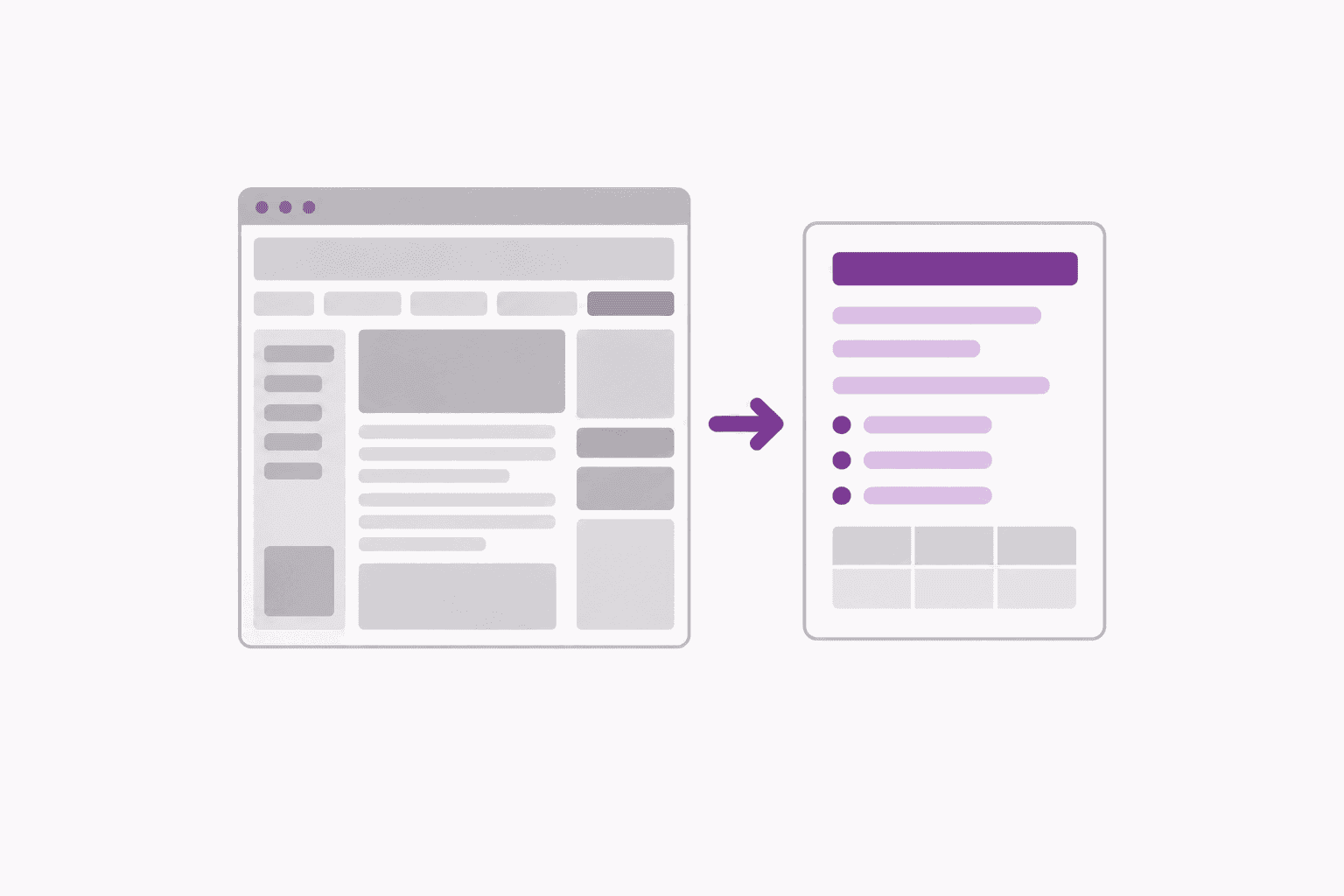
Pick Markdown starts from a different question: which parts of this page do you need? It lays the page out as a clean document with a checkbox beside every heading. Tick one section or several, trim a paragraph if you like, and copy the selection as Markdown or download a .md file. A link back to the source page is included at the top.
Everything runs in your browser: there is no account, no server and no AI connection. Captures can be saved in the browser for later, and text inside pictures can be read out on your device when you ask for it.
What it does not have: templates, highlighting that stays on the page, or a direct connection to a notes app. It is also the newest of the three. It is built for desktop Chrome first, with Firefox and Safari planned; the install page has the current status.
Side by side
| Obsidian Web Clipper | MarkDownload | Pick Markdown | |
|---|---|---|---|
| Made for | Saving into an Obsidian vault | Downloading a page as a .md file | Copying chosen sections of a page |
| Output goes to | Your vault | A file or the clipboard | The clipboard or a file |
| Taking part of a page | Highlights and selected elements | Text you select first | A checkbox on every section |
| Templates | Yes, per site | For the file name and front matter | No |
| AI features | Interpreter, with your own model | No | No |
| Browsers | Chrome, Firefox, Safari, Edge, mobile | Chrome, Firefox, Edge, Safari | Desktop Chrome first |
| Price | Free | Free; small charge on Safari | Free |
Which one to pick
- You keep notes in Obsidian. Use Obsidian Web Clipper. Nothing else fits a vault as well, and the templates repay the setup.
- You want whole articles as files, in any notes app. MarkDownload does that with the least setup.
- You paste pages into ChatGPT, Claude or a coding tool. Use Pick Markdown. Sending one section instead of a whole page gives a sharper answer and costs fewer tokens.
- You do both. They do not conflict. Many people will keep a clipper for their notes and use Pick Markdown for the pages they hand to an AI.
No extension installed? The free HTML to Markdown converter does a one-off conversion from the clipboard.