Does Confluence export Markdown?
Not by itself. In Confluence Cloud, a single page exports to Word or PDF: open the page, select •••, then Export. A whole space exports to PDF, CSV, HTML or XML from Space settings, and that needs space admin rights. Markdown is not on either list in Atlassian’s documentation at the time of writing.
So getting Markdown out of Confluence means converting something else: the page as you see it in the browser, or the files from an HTML export. Which one depends on how much you need.
One page or one section
For a page, or part of one, copy and paste is the quickest route and needs no permissions beyond being able to read the page.
- Open the page in Confluence and select what you need: one section, or everything in the page body.
- Copy it, and paste it into the free HTML to Markdown converter.
- Copy the Markdown, or download it as a .md file.
Headings, lists, links and tables travel with the clipboard and are rewritten as Markdown. The conversion runs in your browser, so the page content is not sent to a server, which matters for internal documentation.
The Pick Markdown extension is the same idea with less selecting: it reads the page that is open in your tab, shows every heading with a checkbox, and copies only the sections you tick. The install page has its current status.
A whole space
Copying page by page does not scale past a handful of pages. For a space, export it as HTML and convert the files:
- In the space, open •••, Space settings, General, Export space, and choose HTML. You get a .zip with one .html file per page plus the attachments.
- Unzip it and convert each file. Pandoc is the usual tool:
pandoc -f html -t gfm page.html -o page.mdwrites GitHub-flavoured Markdown, which keeps tables. - Check the links between pages. They point at the exported .html files and need renaming to .md.
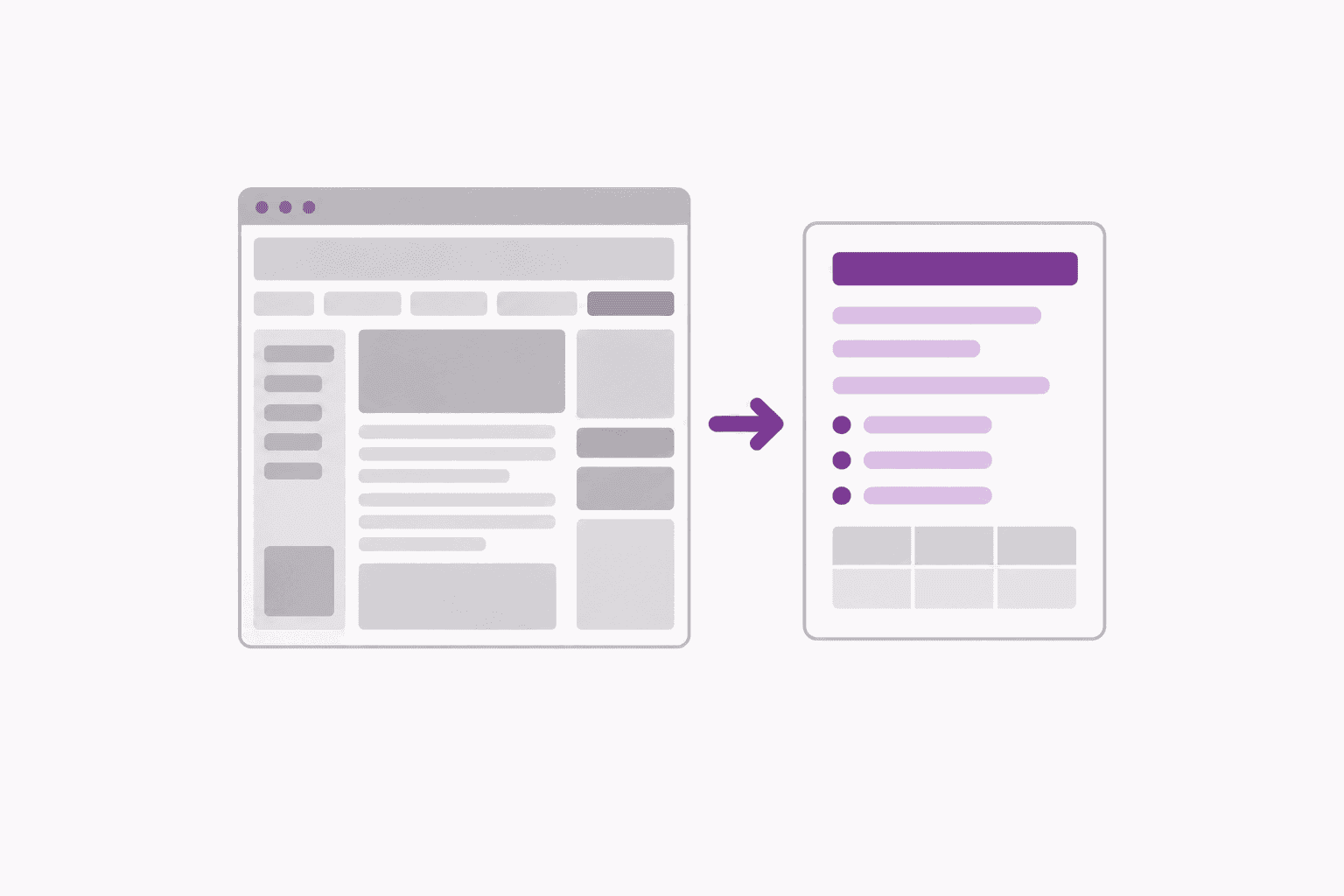
The exported files include Confluence’s own page furniture, such as breadcrumbs and a footer, so expect to trim the top and bottom of each file. If you do not have space admin rights, ask an admin for the export, or use an app from the Atlassian Marketplace that adds a Markdown export; several exist, and your organisation’s admins decide which apps are allowed.
Why link converters fail
Tools that turn a URL into Markdown fetch the page from their own server. A Confluence page sits behind your login, so that server sees the sign-in screen, not your page, and returns either an error or the text of the login form. Nothing is wrong with the tool; it simply is not you.
Anything that works from your own browser avoids the problem, because your browser is already signed in. That is why copying from the page, or using an extension on the page, works where a link does not.
Tables, code and macros
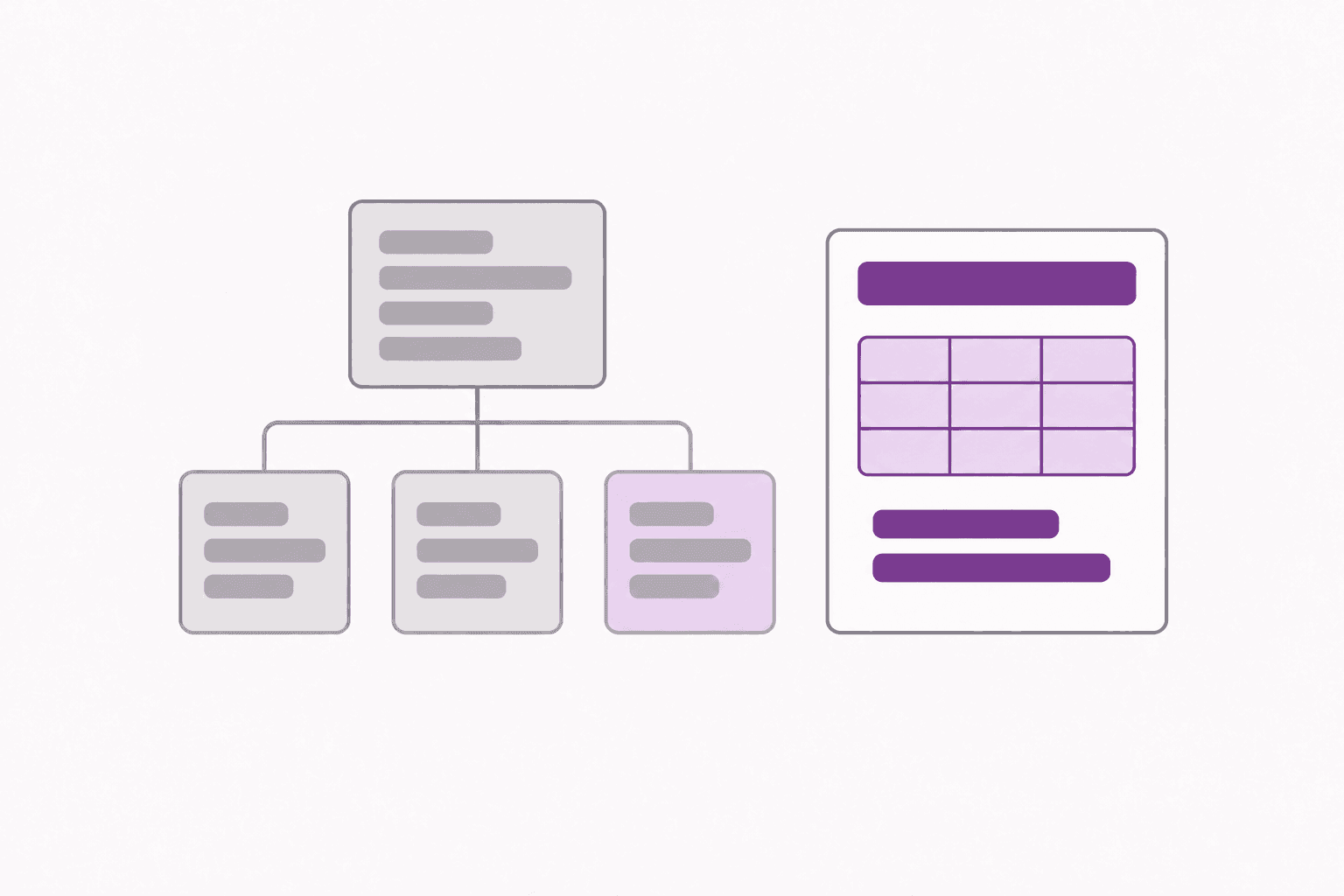
- Tables. Plain tables become pipe tables. Tables with merged cells are written out row by row, because Markdown tables cannot merge cells.
- Code blocks. Code usually arrives as a fenced block. If it arrives as plain lines instead, wrap it in three backticks above and below, and add the language after the opening ones.
- Info, note and warning panels. Markdown has no panels, so they become ordinary paragraphs. Add a bold “Note:” at the start if the distinction matters.
- Expand sections. Only text that is on screen is copied. Open any collapsed section before you select.
- Pictures and attachments. They become links back to Confluence, which still need a login to open. Download the files you need and re-link them.
- Mentions, dates and status labels. They arrive as plain text.